Built for real live use
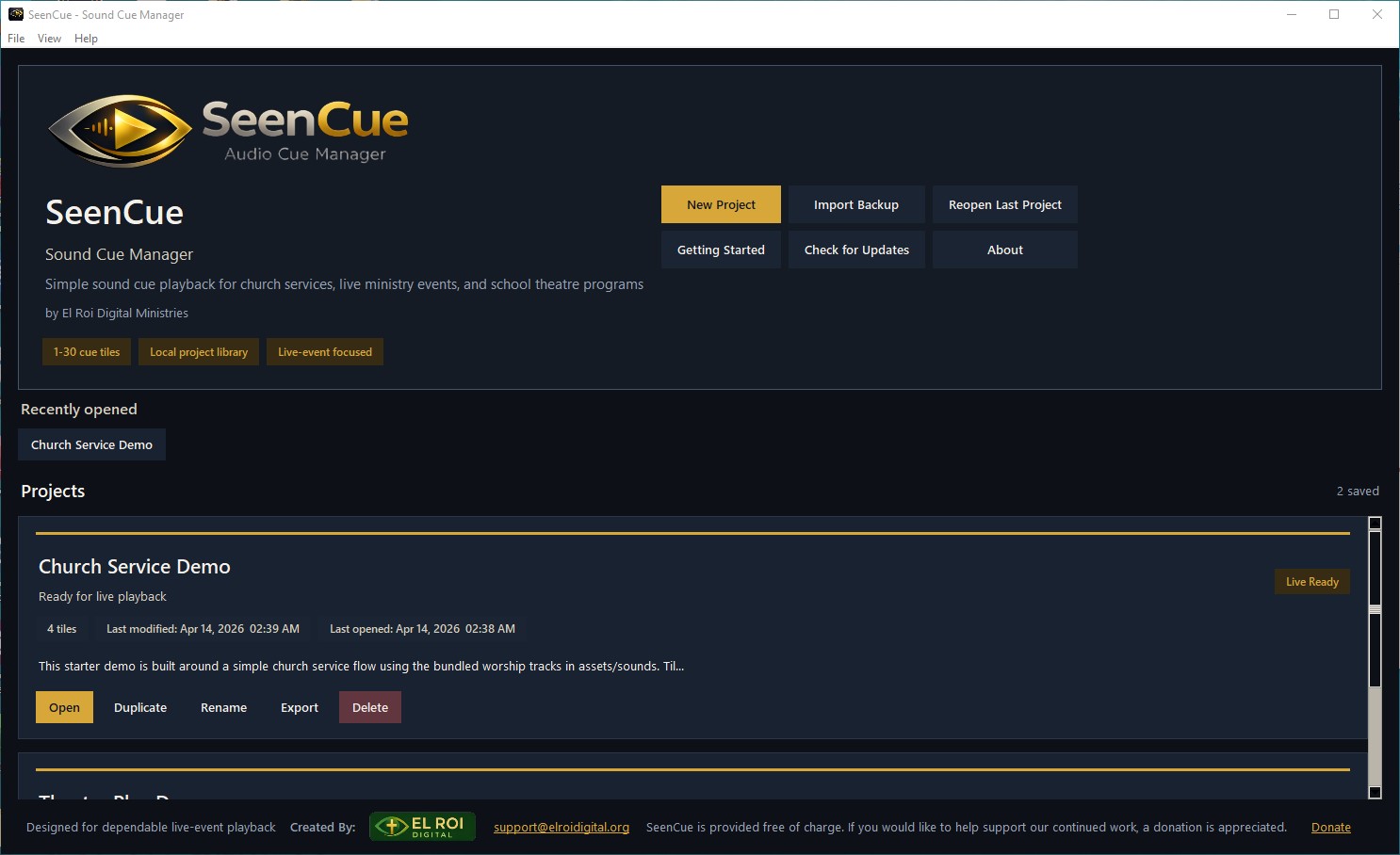
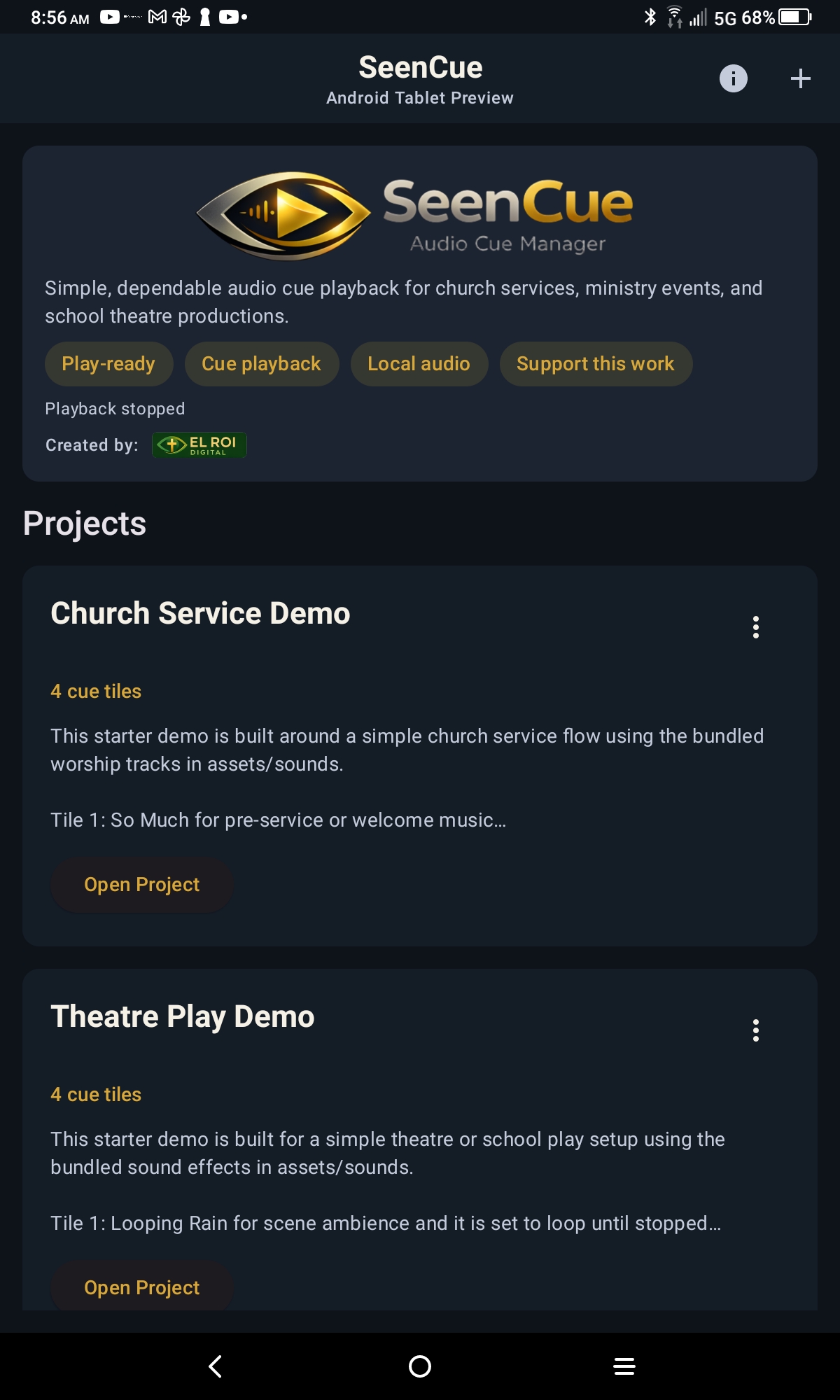
SeenCue is made for moments when the operator needs the right sound ready without extra clutter or confusion. Teams can create multiple projects for different services, shows, or events, each with its own cue tiles, notes, audio assignments, and layout. That makes it practical for Sunday transitions, worship underscoring, stage cues, rehearsals, comedy effects, ambience, and event playback.
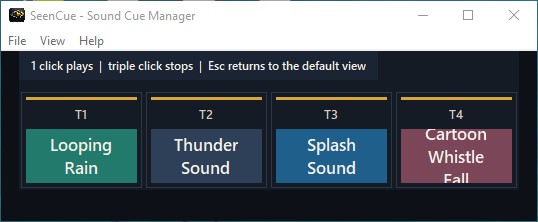
The app is designed so volunteers, teachers, ministry leaders, and production teams can use it without feeling buried under technical complexity. Large clickable tiles, quick cue controls, and focused performance views help teams stay steady in live moments.
What you can do with SeenCue
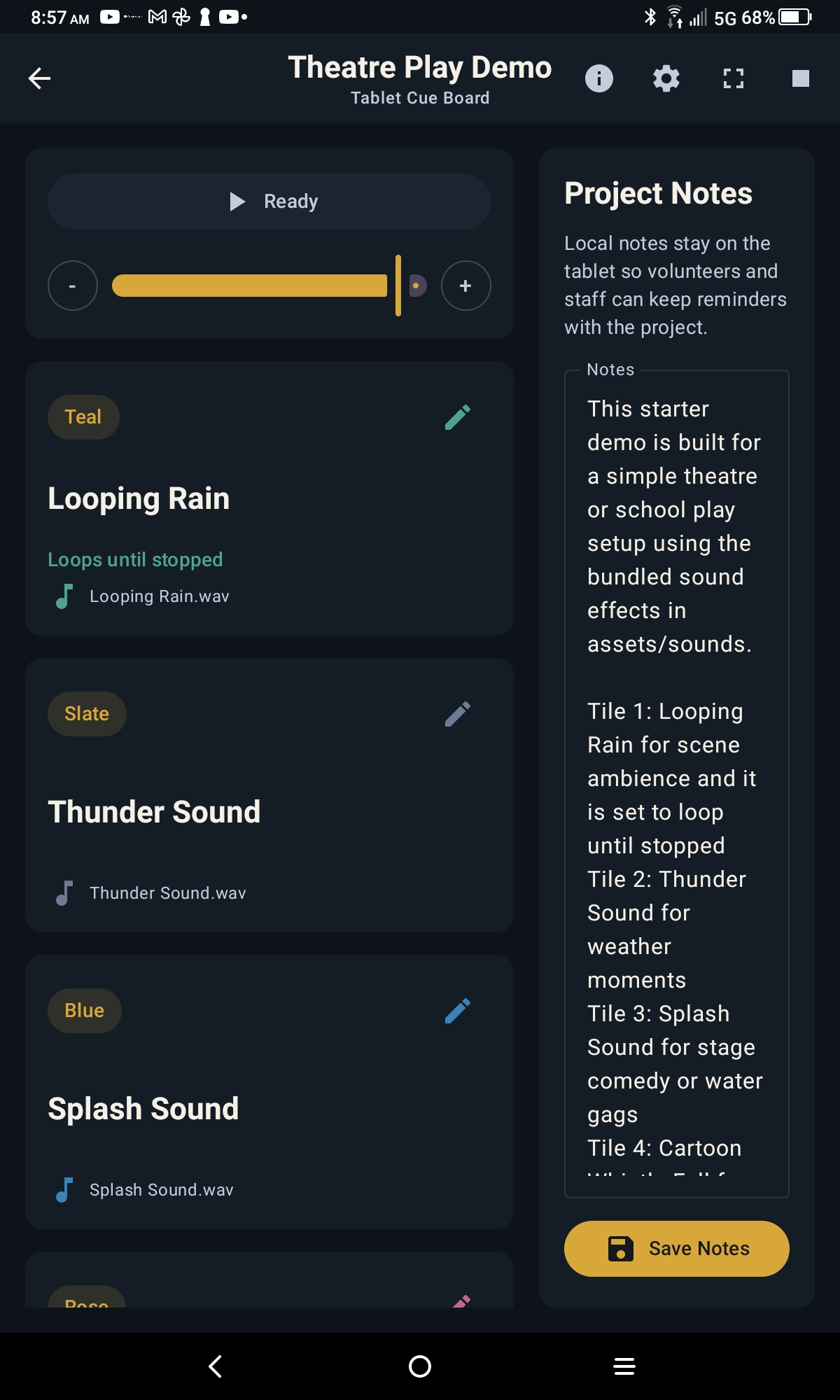
Every cue tile can be labeled, color-coded, assigned an audio file, trimmed to a specific start and end point, previewed before saving, and configured to behave the way the event needs.
- Create multiple projects for services, shows, rehearsals, and events
- Organize cues into large clickable tiles for faster live playback
- Assign custom notes, colors, and audio files to each tile
- Trim cues to a defined start and end point
- Preview audio before saving a cue
- Use fade in, fade out, looping, and auto-trigger behavior
- Control playback quickly with one-click launch and quick stop
- Adjust a global volume control across the project
- Switch into Compact View, Operator Mode, or Fullscreen for live operation
- Keep project notes saved locally with each event
Where SeenCue fits best
SeenCue is especially useful for churches and ministry teams that need dependable playback for service transitions, worship support, prayer moments, sermon walk-ins, drama cues, announcements, and event atmosphere. It also fits school theatre productions, classroom performances, rehearsals, and community events where teams need something simpler than a heavy production suite.
Because projects save locally and the interface stays focused, the app works well for teams that want confidence and reliability without a steep learning curve.
Available now for Windows and Android tablets
SeenCue is available as a Windows desktop release and an Android tablet app on Google Play. The desktop version works well for operator stations, laptops, and production desks, while the tablet build gives churches and event teams a touch-first cue board that is easier to carry, hand off, and use in rehearsal or live settings. The Android build is intended for tablets rather than phones.
Both versions share the same core goal: dependable cue playback that volunteers and ministry teams can use without feeling buried under technical complexity.
Windows 2.1 adds pre-show audio checks, missing-file relinking, portable backups including audio, undo and recovery history, and separate live and headphone preview outputs. See the download page for release details and output setup guidance.